Attacking Kioptrix level 1

Introduction
You can get the Kioptrix Level 1.1 machine on VulnHub Kioptrix Level 1 — Complete Penetration Testing Walkthrough
Goal: Gain root access Approach: Enumeration → Vulnerability Identification → Exploitation
You need a Kali attack machine or parrot(depending on your choice) and the kioptrix ova file from Here
Lab setup
Import the downloaded Kioptrix VM into Virtualbox/VMware
Network Configuration
Both attacker and target must be on the same isolated network.
Kioptrix (Target)
1
2
Adapter 1: Host-Only Adapter
Adapter 2: Disabled
Kali / Parrot (Attacker)
1
2
Adapter 1: NAT
Adapter 2: Host-Only Adapter
After this,start both the virtual machines. This is how Kioptrix vm looks like 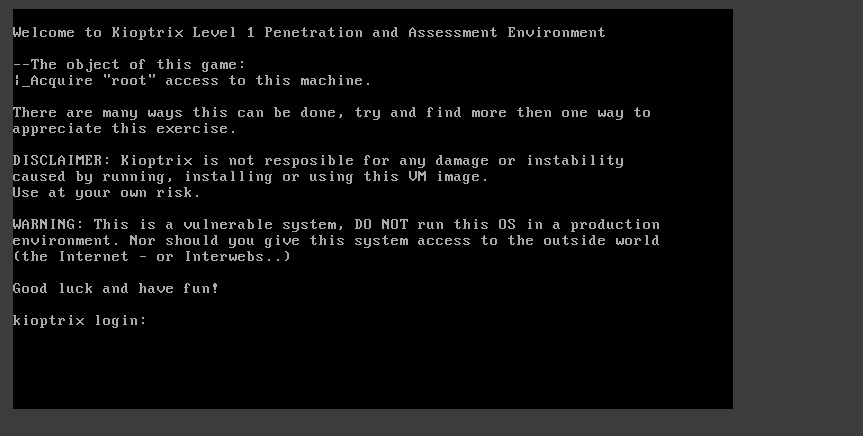
Launch the attack machine and Confirm the network connectivity with
1
ip a
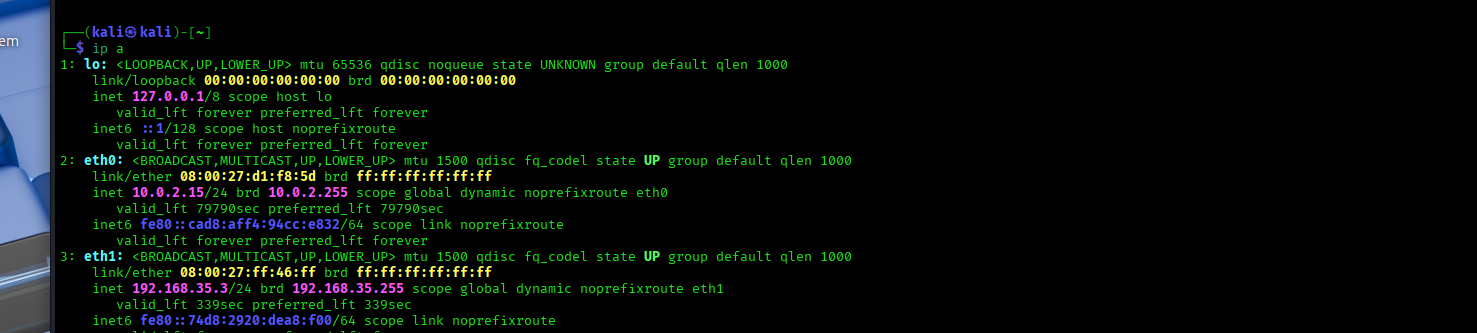
From this we see the :
Primary interface – NAT (eth0) eth0: inet 10.0.2.15/24 This interface is connected to VirtualBox NAT Provides internet access to the attacker machine IP address 10.0.2.15 is assigned by VirtualBox’s internal DHCP server
This network can not be used for attacking Kioptrix because NAT is isolated and prevents direct communication with other VMs, making it unsuitable for lab exploitation.
Secondary interface – Host-only (eth1) eth1: inet 192.168.35.4/24 This is the critical interface for the lab It is connected to the Host-only network Shared between Kali (attacker) and Kioptrix (target) Enables direct Layer 2 and Layer 3 communication This confirms the attacker machine is on the same isolated LAN as the target, making discovery, scanning, and exploitation possible.
Network Discovery
The first task is identifying the target’s IP address.We will use
1
netdiscover -r 192.168.56.0/24
This command actively discovers devices on the local subnet 192.168.56.0/24 by sending ARP requests and listening for replies. alternatives commands for the same are
nmap -sn 192.168.35.0/24 - discovers live hosts on the local subnet without doing port scans
arp-scan -i eth1 192.168.35.0/24 -Uses ARP on the specified interface (eth1) to reliably identify all active devices on the local network.
From